Improved 3D View for Relevant Scans
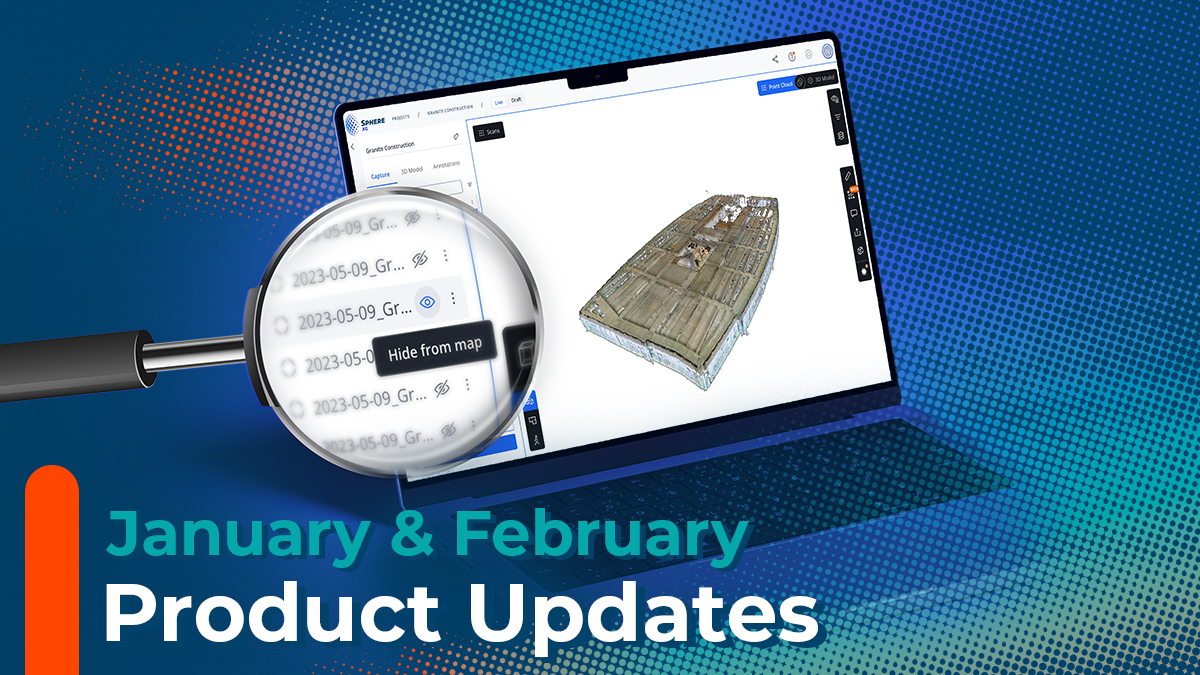
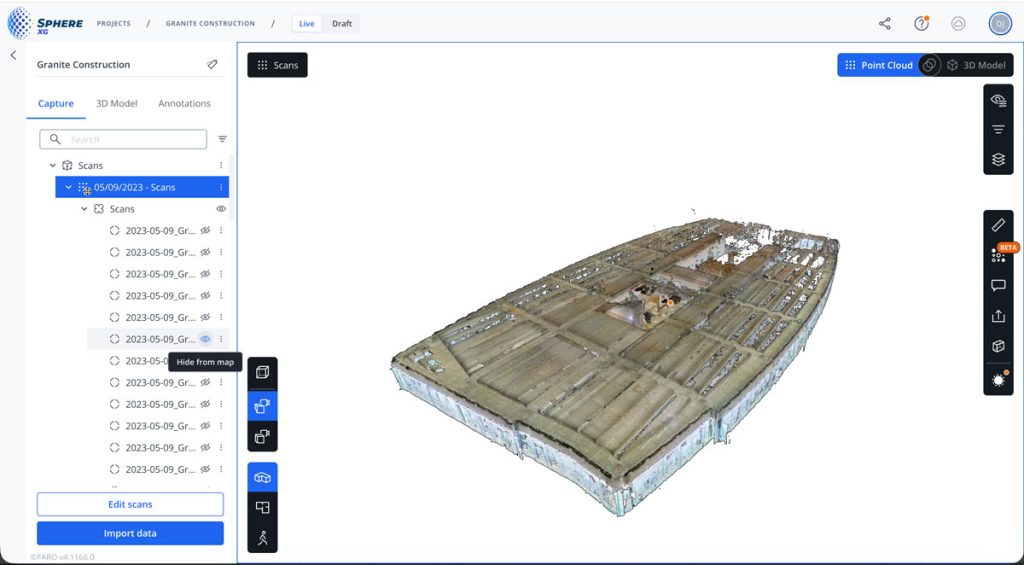
Working on large sites is much simpler now because you can instantly clear visual clutter in the 3D view and focus only on the scans that matter. When you hide a scan in the project tree, Sphere XG now removes both the waypoint and its point cloud data, giving you a clean and focused workspace. This helps you place measurements and annotations faster and with more confidence, especially in dense or complex environments.
This improvement is available for projects with 3D data generated since January 2026. Older projects will need to be republished to enable it.
Faster Project Navigation
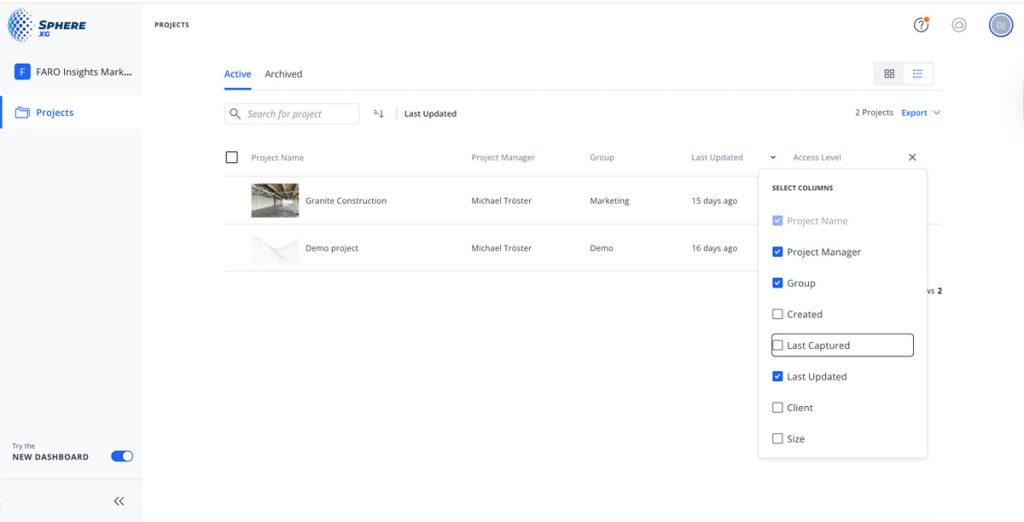
You can now find the right project in seconds, even in very large portfolios. The project list is fully customizable in list view, so you can show only the fields that matter and sort by operational indicators like Last Capture Date. This gives you a clearer overview of your portfolio and speeds up daily review and prioritization.
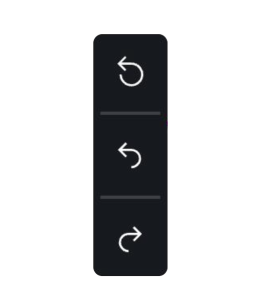
Undo and Redo Added for Registration Adjustments
Making precise adjustments to scan alignment can be challenging, especially on complex projects where small changes have a noticeable impact. With undo and redo, you can quickly revert or restore any step, letting you experiment and refine alignment without repeating work. This streamlined workflow enables teams to iterate more efficiently, fine-tune registration with confidence, and produce higher quality datasets. Saving time while improving the accuracy and repeatability of every project.
Instant Annotation Creation
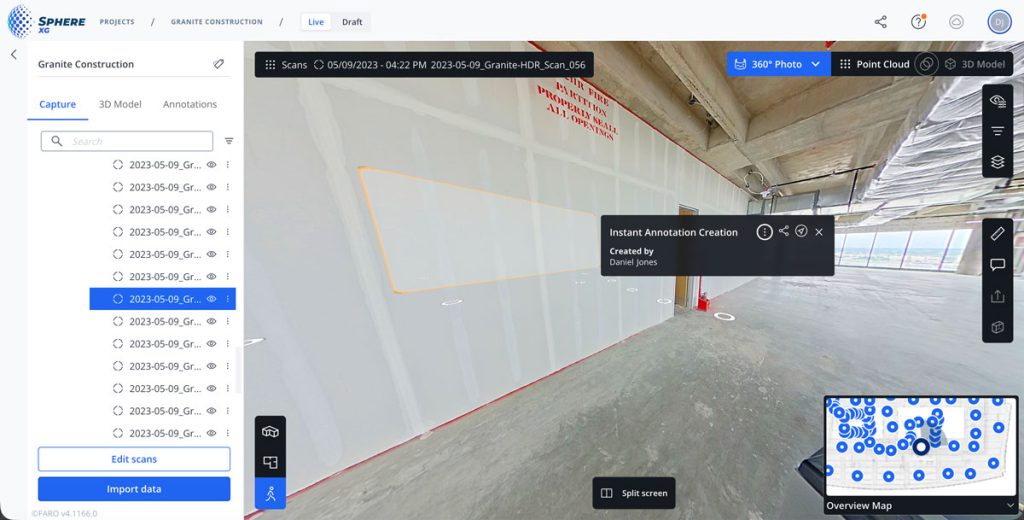
Creating annotations is now much faster as they now appear in real time. That means you no longer need to pause and wait several seconds every time you mark a point or add a note. By removing these small interruptions, your workflow is smooth and stays in motion, letting you make clear notes in the data to provide key insights faster while maintaining the focus on the task at hand.
Structured E57 Exports with 360° Panoramas
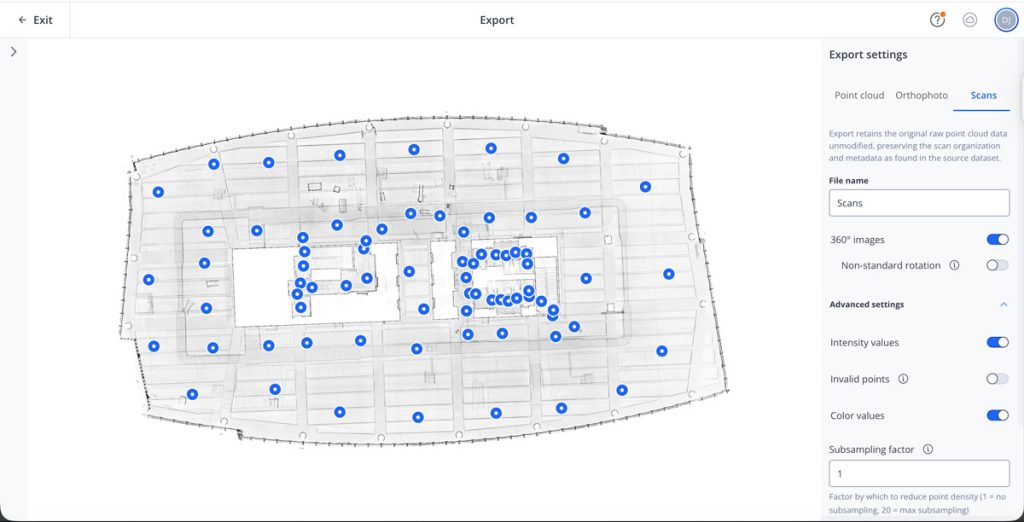
Sharing data with other applications is smoother and more informative. Structured E57 exports now offer an improved scan export mode with a live preview and advanced options to fine-tune exactly what data is included. Exports can also include 360° panorama images, provide valuable context when importing into other applications—and if panorama export is enabled but no panorama exists, Sphere XG will automatically generate one from the point cloud. This ensures your exports carry the full context needed for downstream tools and teams.
Faster Imports with Drag and Drop
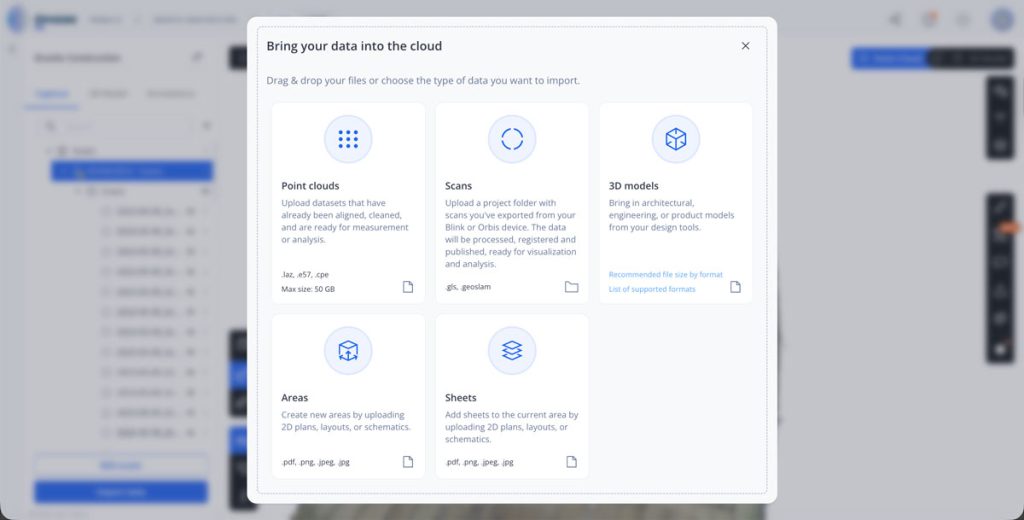
Finally, we have boosted the speed in which you can import data by using the new drag and drop directly in the import data dialog feature. This is especially helpful when working with many files—simply drop your 3D models, scans, and sheets straight into the dialog to kick off the import without any extra steps. This removes unnecessary steps and speeds up the entire workflow when handling many files.